




Replace traditional hotel keycards with digital room keys stored directly in Apple Wallet. Guests can unlock doors with a simple tap, enjoy faster check-ins, and eliminate the hassle of carrying physical keycards.
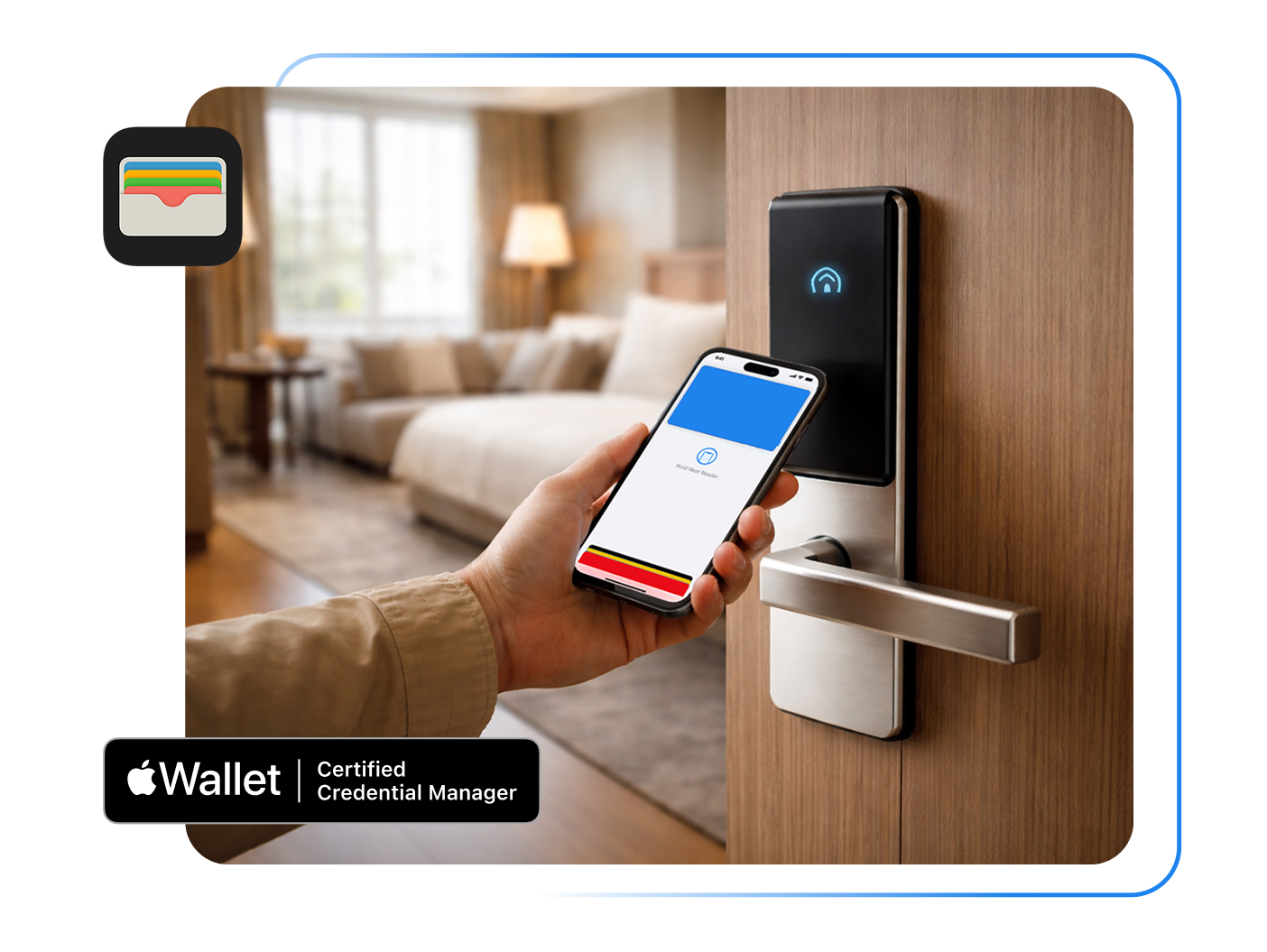
The Modern Way to Unlock Guest Experience
Apple Wallet Integration
Seamlessly integrates with the Apple Wallet your guests already use. Room keys auto-update, sync across all Apple devices, and work even without internet connectivity.
NFC Technology for Secure Access
Powered by NFC technology and encrypted security tokens, each room key is uniquely secured, cannot be duplicated, and deactivates automatically at checkout.
Faster Check-Ins
Skip the front desk queue. Guests receive pre-assigned digital keys before arrival, allowing them to go directly to their rooms. This reduces check-in time and supports modern contactless hotel operations.

From Online Check-in to Room Access in 3 Steps
A seamless journey from pre-arrival to unlocking the room — all without touching a physical keycard.
1.
Complete Online Check-in
Guests complete their check-in online before arrival using a secure web link.
2.
Add Room Key to Wallet
After check-in, guests can add their room key directly to Apple Wallet on their iPhone or Apple Watch.
3.
Tap to Unlock
Once the guest is checked in at the hotel, the key activates automatically — simply tap the phone on the door to unlock.
FAQ
What is a room key in Apple Wallet?
A room key in Apple Wallet allows you to unlock your hotel room and selected hotel areas using your iPhone or Apple Watch, instead of a physical key card.
It offers a simple, contactless and private way to access your room during your stay.
How do I add and use my room key?
Once your reservation is confirmed and your check-in is completed, you will be able to add your room key to Apple Wallet.
After your room is assigned, the key becomes active automatically. To unlock your room, simply hold your iPhone or Apple Watch near the door lock.
Can I use my room key if I booked more than one room?
Yes. If your reservation includes multiple rooms, your room key will grant access to each of them.
Where can I use my room key?
In addition to your room, your digital key may allow access to other hotel areas such as:
- Elevators
- Main or side entrances
- Gym or wellness areas
- Shared guest spaces
Access permissions may vary depending on the hotel.
How secure is the room key in Apple Wallet?
Your room key is stored securely on your device. Apple does not track where or when the key is used.
Your data remains private, and access to the key is protected by your device’s security settings.
What do I need to use a room key in Apple Wallet?
To use this feature, you will need a compatible iPhone or Apple Watch with the latest software version and an Apple Account signed into iCloud.
Do I need to unlock my device to use the key?
No. With Express Mode enabled, you can use your room key without unlocking your device.
You can simply hold your iPhone or Apple Watch near the lock.
Can I still use my room key if my battery is low?
Yes. On supported devices, Power Reserve allows you to continue using your key for up to 5 hours even after your battery runs out.
Can I use my room key on multiple devices?
Yes. You can use your room key on up to two iPhones and two Apple Watches, as long as they are connected to the same Apple and iCloud Account.
What should I do if my device is lost or stolen?
If your device is lost or stolen, you should
- Use iCloud or the “Find My” service to secure or deactivate your device
- Contact the hotel so your room key can be disabled
Instructions for Lost/Found Apple devices and Find My iPhone are located here.
I’m having trouble adding or using my room key. What should I do?
Please check the following:
- Your device is updated to the latest software version
- A passcode, Face ID or Touch ID is enabled
- Your Apple Account is signed into iCloud with two-factor authentication
If the issue persists, please contact the hotel directly.
Why is the room key not available at all hotels?
This feature is currently supported only in selected hotels. Availability may vary depending on the property and technical infrastructure.
What happens if my room changes?
If your room is changed during your stay, your digital key will automatically update to reflect the new room.